Calculating the difference between two dates is a fundamental task in various applications, from project management to financial analysis and even personal record-keeping. This guide provides a structured approach to understanding and executing these calculations, encompassing basic methods, handling diverse formats, and tackling advanced scenarios. From simple day-to-day calculations to complex situations involving leap years and time zones, we’ll explore the entire spectrum of date difference calculations.
The process begins with a clear understanding of different units of measurement—days, hours, minutes, and seconds—and how they relate to each other. We will then delve into practical methods for calculating these differences, covering both manual and automated approaches using programming languages like Python or JavaScript. Furthermore, we’ll address the challenges posed by various date formats and how to effectively convert them for accurate calculations.
Introduction to Date Differences
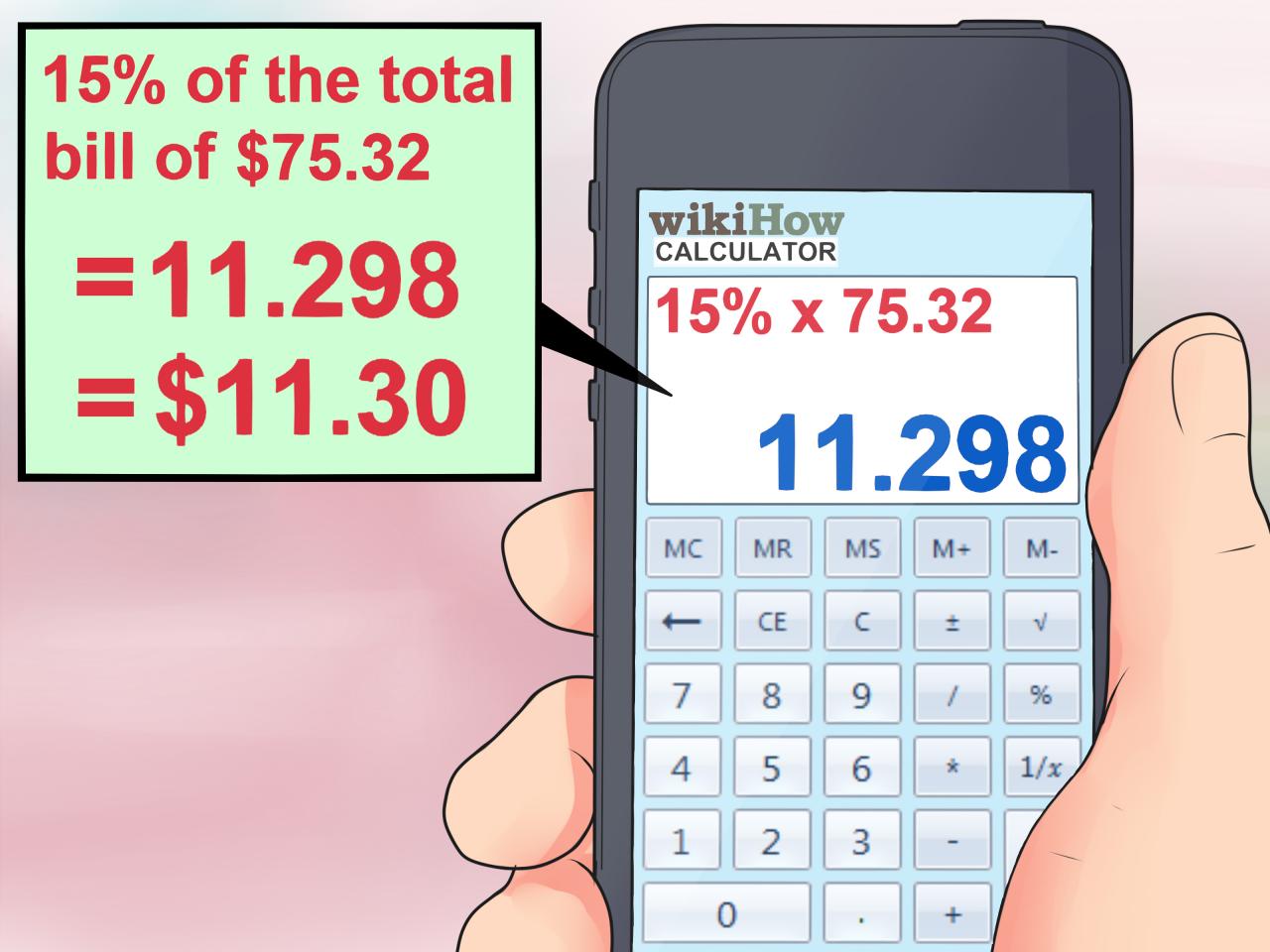
Calculating the difference between two dates is a fundamental task with diverse applications, ranging from simple timekeeping to complex financial modeling. Understanding the process and the various units of measurement involved is crucial for accurate analysis and reporting. This section provides a concise overview of date difference calculations, highlighting their significance and the different units used.
Understanding Date Differences
Calculating the difference between two dates involves determining the elapsed time between them. This calculation is essential for numerous applications, such as project management, billing, and data analysis. For example, calculating the duration of a project, determining the time between payments, or analyzing sales trends over a specific period all rely on understanding date differences. The accuracy of results depends directly on the precision of the calculation.
Units of Measurement for Date Differences
Date differences can be expressed in various units, each offering a specific level of detail. The most common units include days, hours, minutes, and seconds. Choosing the appropriate unit depends on the context and the desired level of granularity.
| Unit | Description | Example Calculation |
|---|---|---|
| Days | Difference in whole days. This is the simplest unit and often sufficient for general time comparisons. | The difference between 2024-01-15 and 2024-01-20 is 5 days. |
| Hours | Difference in hours. Provides a more detailed measure of time elapsed, often useful in tasks requiring greater precision. | The difference between 10:00 AM and 2:00 PM on the same day is 4 hours. |
| Minutes | Difference in minutes. Provides an even more granular view of the time interval, ideal for tasks where precise timing is critical. | The difference between 10:00 AM and 10:15 AM is 15 minutes. |
| Seconds | Difference in seconds. This unit offers the highest level of precision and is essential for applications where milliseconds matter. | The difference between 10:00:00 AM and 10:00:05 AM is 5 seconds. |
Basic Date Calculation Methods
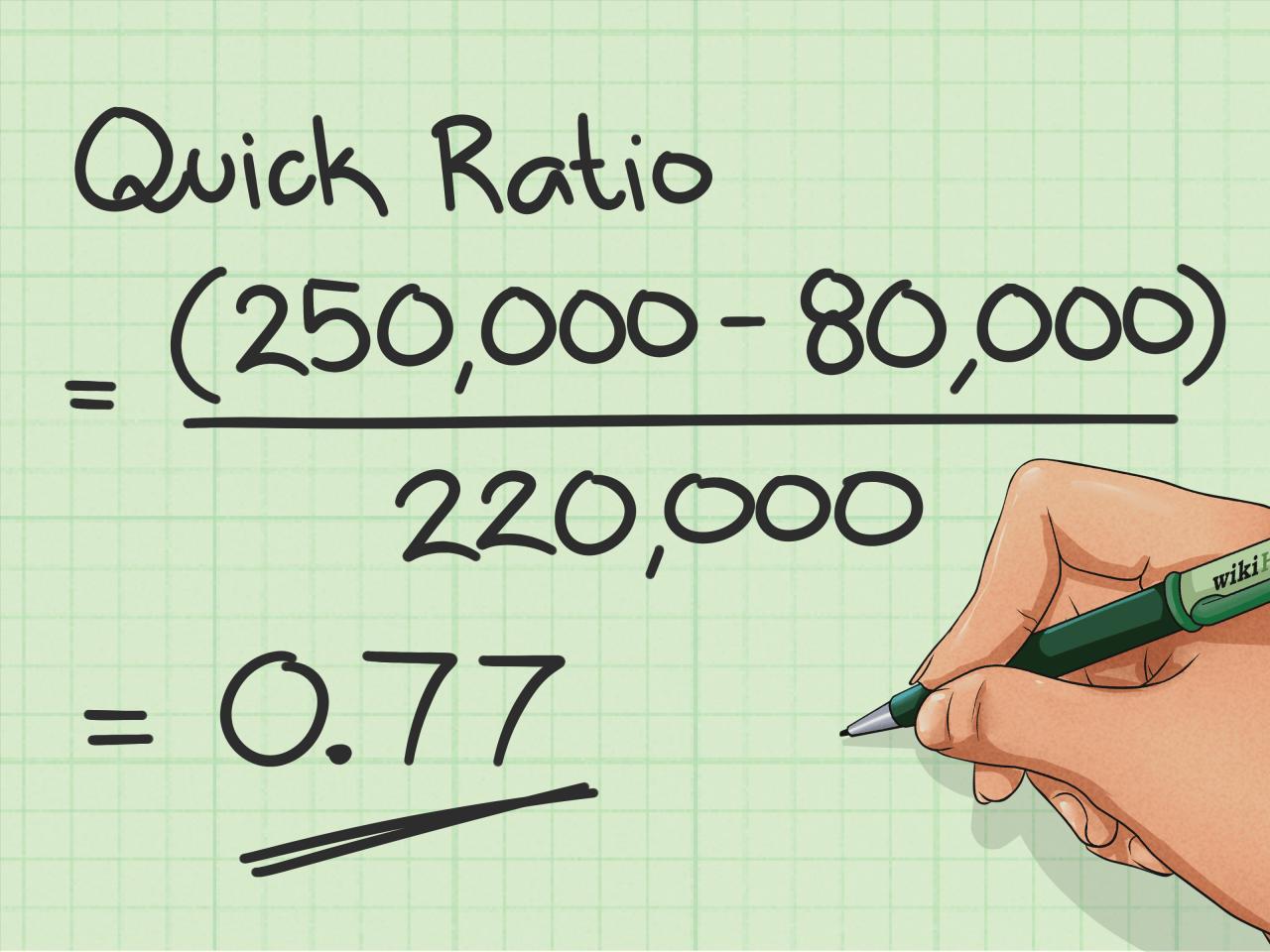
Calculating the difference between two dates is a fundamental task in various applications, from scheduling and project management to financial analysis and scientific research. Understanding the underlying methods and the tools available in programming languages is crucial for accurate and efficient date manipulation. This section delves into the common approaches for calculating date differences.A precise and reliable approach to date calculations is essential for applications that rely on time-sensitive data.
The most common method involves converting dates into numerical representations, performing arithmetic operations, and then converting the result back into a meaningful date difference format. This method is widely applicable and forms the basis for most date manipulation libraries.
Common Method for Calculating Date Differences
The most common method for calculating date differences involves converting both dates into a numerical representation, typically the number of days elapsed since a specific epoch (e.g., January 1, 1970). Subtracting the numerical representation of the earlier date from the later date yields the difference in days. Further calculations can then derive other units of difference (e.g., hours, minutes, seconds).
Using Libraries and Functions for Date Manipulation
Many programming languages provide libraries or built-in functions to simplify date manipulation. These libraries handle the complexities of date representation and calculations, freeing developers from manual implementation. This significantly improves code readability and reduces errors.
Detailed Explanation of the Algorithm Used for Date Calculations
The algorithm for calculating date differences hinges on representing dates as numerical values. A key aspect of this process involves calculating the number of days elapsed since a standardized epoch. The specific calculation depends on the precision needed, whether it’s just days, or including hours, minutes, and seconds. In essence, this is a straightforward subtraction between two numerical representations.
The core principle involves converting dates to a numerical representation, subtracting the numerical representation of the earlier date from the later date, and then converting the result into a more readable format.
Step-by-Step Procedure for Manual Date Difference Calculation
This section Artikels a manual procedure for calculating date differences, demonstrating the underlying principles.
- Convert dates to a numerical representation: Express both dates as the number of days elapsed since a common reference point (epoch). This is typically done using a function within the chosen programming language’s date library. Examples include the `time()` function in Python or equivalent date functions in other languages.
- Calculate the difference: Subtract the numerical representation of the earlier date from the numerical representation of the later date. This difference represents the total number of days between the dates.
- Convert the difference to a desired format: Convert the calculated difference into a more usable format, such as days, hours, minutes, and seconds. This is done by applying mathematical operations to the initial difference.
Date Functions in Python for Calculation
Python’s `datetime` module provides robust date and time manipulation capabilities.“`pythonfrom datetime import datetimedate1 = datetime(2024, 10, 26)date2 = datetime(2024, 11, 15)difference = date2 – date1print(difference)“`This code snippet calculates the difference between two dates and displays the result, showing the time difference between the dates.
Date Objects and Their Properties in Calculations
Date objects contain properties that allow for direct calculations. These properties encapsulate individual components of the date, such as year, month, and day. By utilizing these properties, you can perform complex calculations and extract specific information from the date. For instance, the `year`, `month`, and `day` attributes can be used for more detailed date comparisons and calculations.
Handling Different Date Formats
Different systems and applications employ various date formats. Understanding and correctly handling these variations is crucial for accurate date difference calculations. Inconsistencies in date formats can lead to errors in calculations, impacting the reliability of results. This section details various date formats and methods for converting them for consistent processing.
Date Format Variations
Different systems and applications utilize diverse date formats. This variety necessitates the ability to convert between these formats for consistent date difference calculations. Examples of common formats include YYYY-MM-DD, MM/DD/YYYY, and DD-MM-YYYY.
Format Conversion Necessity
Calculating the difference between dates requires a consistent format. Different date formats, if not properly converted, can lead to incorrect calculations. For instance, if a system uses MM/DD/YYYY, but another uses DD/MM/YYYY, calculating the difference without conversion will yield inaccurate results. Therefore, format conversion is essential for accurate date difference calculations.
Examples of Different Date Formats
Various date formats are used in different applications and systems. These formats need to be considered when calculating differences.
- YYYY-MM-DD (e.g., 2024-08-15): This format is commonly used in databases and some programming languages, representing the year, month, and day respectively.
- MM/DD/YYYY (e.g., 08/15/2024): Frequently employed in North American systems, representing the month, day, and year respectively.
- DD-MM-YYYY (e.g., 15-08-2024): Used in some European countries and systems, representing the day, month, and year respectively.
Date Conversion Techniques
Converting dates between different formats is achievable using programming libraries or custom functions. This process involves identifying the input format, extracting the year, month, and day components, and then reconstructing the date in the desired format.
- Library Usage: Programming languages often have built-in date and time libraries that facilitate conversion between formats. These libraries handle the parsing and formatting of dates, making conversion straightforward.
- Custom Functions: Custom functions can be written to perform the date conversion. These functions would typically involve string manipulation to extract the relevant components from the input date string and then reconstruct the date in the desired format. For example, if the input is MM/DD/YYYY, the function would extract the month, day, and year, and construct a date string in YYYY-MM-DD.
Common Date Format Issues and Solutions
Several issues can arise when dealing with different date formats. Addressing these issues ensures accurate date calculations.
- Missing or Incorrect Data: Data may be missing or contain incorrect values in date strings. Validating the date format before conversion is essential. Solutions include input validation checks to ensure the date string adheres to the expected format and data integrity rules. For example, checking if the month value is within 1-12 and the day is within the permissible range for the month.
- Different Date Representations: Dates can be represented in different ways, such as using abbreviations for months (e.g., Jan, Feb) or using different separators. The conversion process should be flexible enough to handle various representations.
- Time Zones: Consider the time zones when handling dates across different locations. Time zone information should be included and handled correctly during calculations to ensure accurate date comparisons.
Calculating Specific Time Units
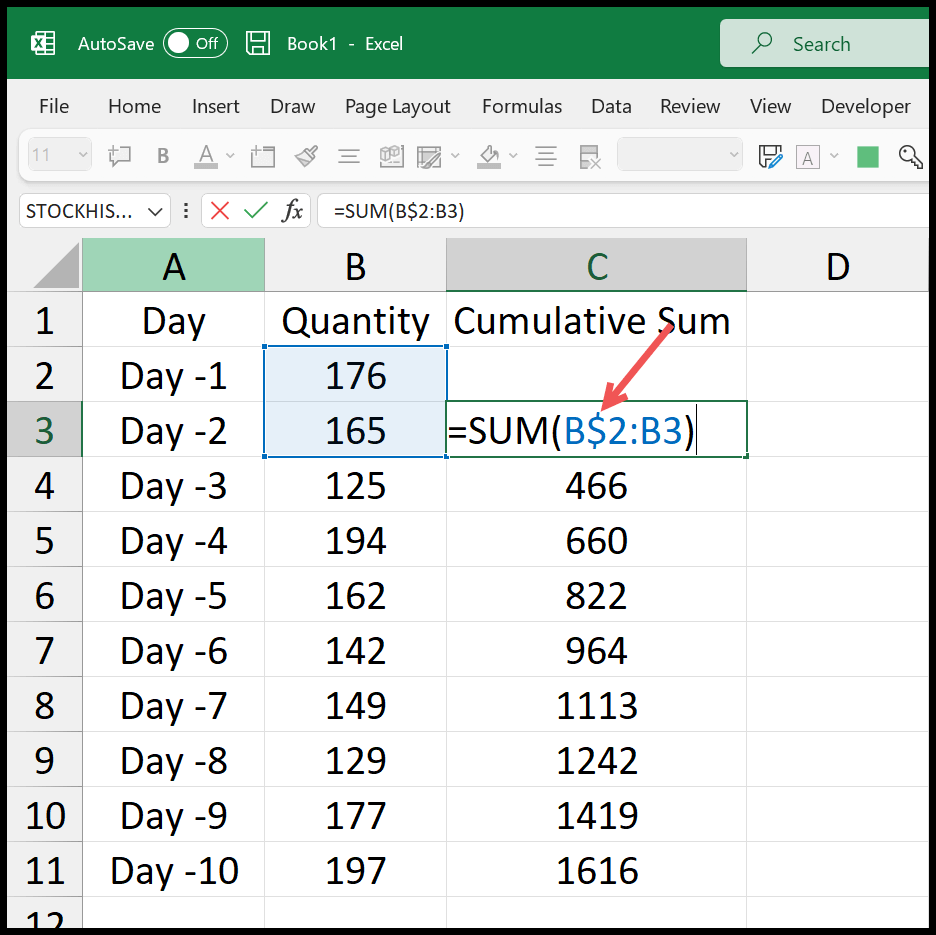
Calculating date differences is often required in various applications, from tracking project timelines to managing inventory. Beyond the overall difference, knowing the difference in specific units like days, hours, minutes, or seconds can provide even more granular insights. This section delves into the techniques for extracting these specific time components from a date difference.
Calculating Differences in Days
The most straightforward method for calculating the difference in days involves extracting the number of days between two dates. This often involves using a date/time library that directly provides the difference in days. For example, in Python’s `datetime` module, the difference between two dates can be directly obtained in days.
Calculating Differences in Hours
To calculate the difference in hours, we must first determine the total difference in seconds between the two dates. Then, we divide this total by the number of seconds in an hour (3600). The result is the difference in hours.
Calculating Differences in Minutes
To find the difference in minutes, we again calculate the total difference in seconds between the two dates. This result is then divided by the number of seconds in a minute (60). The result represents the difference in minutes.
Calculating Differences in Seconds
The simplest method for obtaining the difference in seconds is to calculate the total difference in seconds between the two dates. This approach directly addresses the time difference in the most fundamental unit.
Using Modular Arithmetic in Date Calculations
Modular arithmetic can be beneficial in date calculations, especially when dealing with cyclic patterns like days of the week or months. For instance, determining the day of the week for a date in the future can leverage modular arithmetic to avoid potential overflow issues.
Table of Specific Time Unit Calculation Steps
| Unit | Formula | Example |
|---|---|---|
| Days | `difference_in_seconds / 86400` | If the difference in seconds is 86400, the difference in days is 1. |
| Hours | `difference_in_seconds / 3600 % 24` | If the difference in seconds is 10800, the difference in hours is 3. |
| Minutes | `difference_in_seconds / 60 % 60` | If the difference in seconds is 120, the difference in minutes is 2. |
| Seconds | `difference_in_seconds` | If the difference in seconds is 30, the difference in seconds is 30. |
Note: The formula for hours uses the modulo operator (%) to ensure the result is within the range of 0 to 23. This is essential to properly represent the time of day. Similar adjustments using the modulo operator are crucial for minutes and seconds to ensure the values fall within the expected ranges. `difference_in_seconds` is the total difference in seconds between the two dates.
Advanced Date Calculations
Date calculations, while fundamental, can become intricate when dealing with complex scenarios like leap years, time zones, and daylight saving time. This section delves into these intricacies, providing practical methods and considerations for accurate results. Handling these advanced cases is crucial for applications requiring precise temporal information.Understanding the nuances of leap years, time zone conversions, and daylight saving time is essential for robust date calculations.
Ignoring these complexities can lead to significant errors in applications involving scheduling, financial transactions, or any process reliant on accurate temporal data.
Leap Year Impact on Calculations
Leap years, occurring every four years, affect date calculations because they introduce an extra day. This extra day in February alters the count of days in a year, potentially causing errors in calculating differences or finding dates falling on a specific day of the week. Accounting for leap years ensures accuracy in these calculations.
Time Zone Differences in Date Calculations
Accurate date calculations across different time zones require a precise understanding of the time zone offsets. Different time zones are measured by their offsets from a standard time, usually Coordinated Universal Time (UTC). Converting between time zones involves adding or subtracting the time zone offset. The time zone offset is a crucial component of the calculation, as a difference in offset will impact the date difference calculation.
Calculating Date Differences Across Time Zones
Calculating the difference between dates in different time zones involves determining the offset of each time zone and applying that offset to the respective dates. This involves converting both dates to a common time zone, typically UTC, before calculating the difference. The result should accurately reflect the time difference between the dates, taking into account the offsets of the involved time zones.
Impact of Daylight Saving Time
Daylight Saving Time (DST) adjustments must be factored into date calculations to avoid inaccuracies. DST introduces a shift in the local time, potentially by one hour. When performing calculations across dates that span DST transitions, this adjustment is vital. This shift can be accounted for by identifying the transition dates and applying the corresponding time difference.
Complex Date Calculations (Multiple Time Zones and Leap Years)
Consider a scenario where an event scheduled in New York (EST) needs to be reported in London (GMT). If the event occurs during a DST transition in New York, the time difference will be different on dates before and after the transition. This necessitates careful consideration of both time zone offsets and DST adjustments. A comprehensive calculation should involve adjusting for time zone differences, leap years, and DST transitions.
Potential Pitfalls and Error Handling
Potential pitfalls in date calculations include:
- Incorrect time zone offsets:
- Ignoring leap years:
- DST transition errors:
Using an outdated or incorrect time zone offset can result in a substantial error. Carefully verify the time zone offset and use reliable data sources.
Omitting leap year adjustments can lead to inaccurate date calculations. Employ methods that handle leap years to ensure accuracy.
Ignoring DST transitions can lead to significant errors, particularly when calculating date differences across DST boundaries. Implement logic to account for DST transitions.
Accurate error handling is essential in date calculation programs. Employing robust error handling techniques, such as validating input data, checking for invalid dates, and providing informative error messages, ensures the reliability of the date calculations. This can involve input validation and clear error messages to the user, which will help prevent further issues.
Illustrative Examples
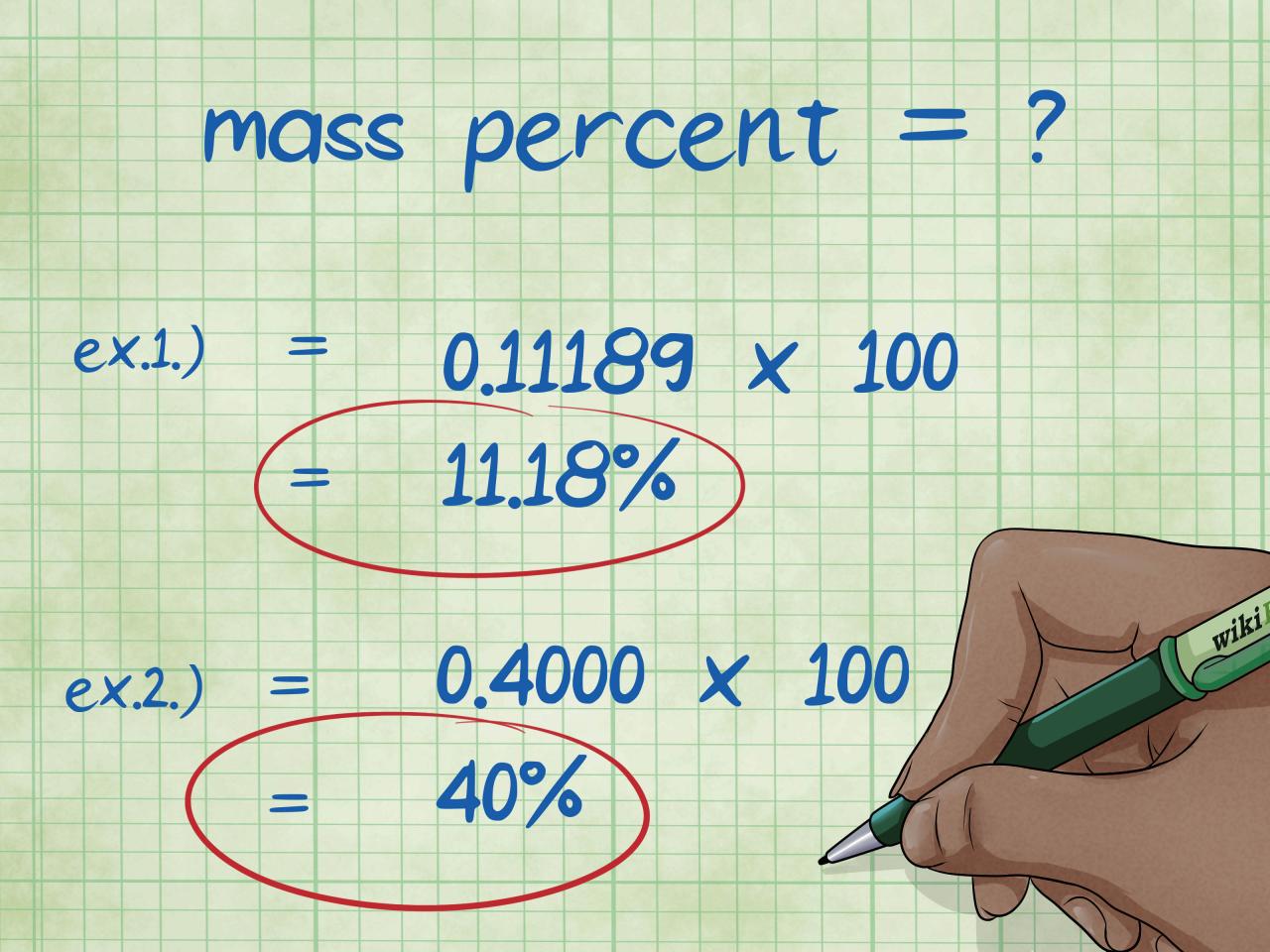
Calculating date differences is a crucial skill in various applications, from project management to personal finance. Understanding how to perform these calculations accurately and efficiently is essential. The following examples demonstrate practical applications and different approaches for calculating date differences.These examples illustrate the application of the date calculation methods discussed previously, encompassing various scenarios and date formats. The focus is on clarity and practicality, showing how these methods can be implemented in real-world situations.
Project Duration Calculation
The ability to calculate project durations is essential for effective project management. This example demonstrates how to calculate the duration of a project given its start and end dates.
- A project begins on 2024-03-15 and ends on 2024-05-20. Using the methods previously discussed, the project duration can be calculated to be 66 days.
- Consider a different project starting on 2024-08-22 and ending on 2024-10-10. The calculation reveals a duration of 50 days.
Event Duration Calculation
Determining the duration of events is another critical application of date difference calculation. The following examples highlight this practical use case.
- A conference commences on 2024-06-25 and concludes on 2024-06-28. Calculating the event duration reveals a total of 4 days.
- A product launch event, scheduled from 2024-07-12 to 2024-07-15, demonstrates a duration of 4 days.
Age Calculation
Calculating age based on birth and current dates is a frequent task. The following examples demonstrate this using different methods.
- A person born on 1995-11-15 is calculated to be 28 years old as of 2024-03-15. Different date formats and methods are suitable for determining age accurately.
- If the person was born on 1998-05-20, the age as of 2024-08-22 is calculated to be 26 years.
Handling Different Date Formats
Different date formats can be accommodated for precise calculations. This table displays examples of various date formats and their calculations.
| Start Date | End Date | Duration (Days) |
|---|---|---|
| 2024-01-10 | 2024-01-15 | 5 |
| January 10, 2024 | January 15, 2024 | 5 |
| 10-Jan-2024 | 15-Jan-2024 | 5 |
Note: The table demonstrates that consistent date formatting is important for accuracy. Calculations are consistent irrespective of the format used.
Error Handling and Validation
Ensuring accurate date calculations necessitates robust error handling and validation mechanisms. Input dates can be ambiguous or inconsistent, leading to unexpected results or program crashes if not carefully scrutinized. This section details the potential pitfalls and effective strategies for mitigating errors in date calculations.
Potential Errors in Date Calculations
Date calculations can encounter various errors stemming from problematic input data. These issues range from simple typos to complex inconsistencies in date formats or values. For example, entering a date that’s not in the correct format or a date that’s beyond the system’s supported range can disrupt calculations. Similarly, calculations involving dates that are not valid in the calendar system (like February 30th) will lead to errors.
Importance of Validating Input Dates
Validating input dates before performing any calculations is crucial. This proactive step helps prevent unexpected behavior or incorrect results. By checking for valid date formats and ranges, developers can ensure the integrity of the calculations and provide reliable output. Inaccurate dates can propagate errors through subsequent operations, leading to inconsistencies in data analysis or reporting.
Handling Invalid or Inconsistent Date Inputs
Invalid or inconsistent date inputs require specific handling to prevent program crashes or erroneous results. Developers must implement mechanisms to detect and manage such inputs. A common approach is to use a date validation function to check if a date string conforms to a specific format.
Examples of Handling Invalid Date Inputs
Consider a scenario where a user enters a date in an incorrect format. A robust date calculation system would catch this input error and either reject it or present a user-friendly error message. Similarly, detecting and handling dates outside the supported range (like dates before the system’s epoch) is essential for preventing unexpected program behavior. Example: If a function receives “30-Feb-2024,” it should return an error or a standardized default date.
Similarly, a date like “2024-02-30” should be rejected.
Techniques to Avoid Common Errors in Date Calculations
To minimize errors, employ these techniques:
- Using Standard Date Libraries: Leveraging established date libraries provides pre-built validation and error-handling mechanisms. These libraries often handle various date formats and edge cases, significantly reducing the likelihood of errors.
- Input Sanitization: Validate user input to ensure it conforms to the expected format. This includes checking for correct date components and range validation. Always convert strings to date objects before performing calculations.
- Thorough Testing: Implement comprehensive test cases that cover various scenarios, including valid and invalid dates, different formats, and edge cases. This ensures robustness and resilience in handling diverse inputs.
Strategies for Robust Error Handling
Robust error handling is essential for maintaining the integrity and reliability of date calculations. Developers should employ strategies that gracefully handle errors without disrupting the overall program flow.
- Error Logging: Record all errors, including the input date, the error type, and the time of occurrence, in a log file. This facilitates debugging and provides valuable insights into potential issues.
- Exception Handling: Use exception handling mechanisms to catch and manage errors gracefully. This prevents the program from crashing and allows for controlled error recovery.
- Default Values: Implement default values for invalid or missing dates to avoid abrupt program termination or unexpected behavior. For instance, using a default date like the current date.
Final Summary
In conclusion, this guide has presented a comprehensive overview of calculating the difference between two dates, from foundational concepts to sophisticated techniques. We have explored the intricacies of date formats, the impact of leap years and time zones, and the importance of robust error handling. By understanding the principles Artikeld in this guide, you will be well-equipped to handle various date difference calculations efficiently and accurately in diverse applications.